
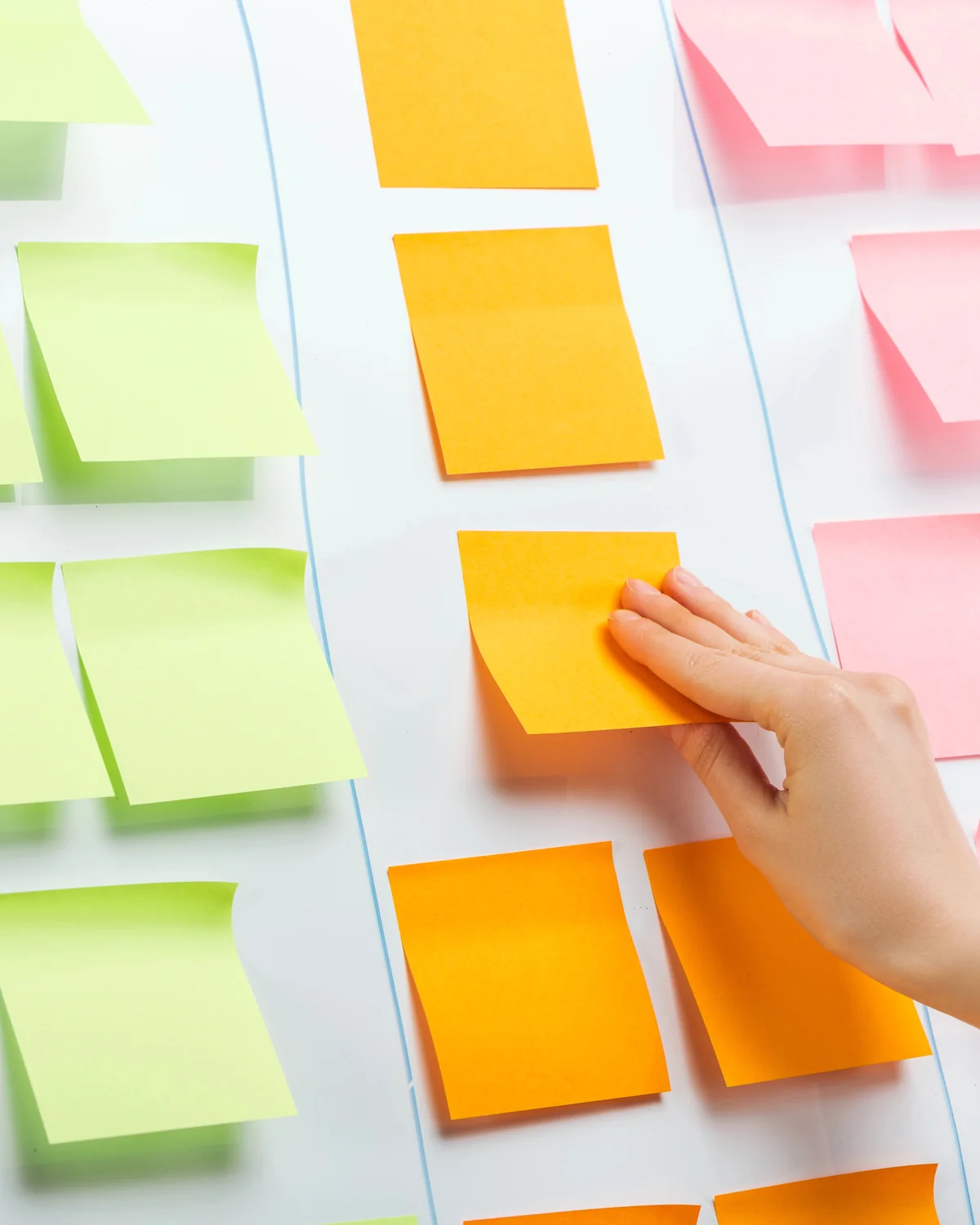
- A journey map follows the steps people take from first noticing you to buying and returning.
- Build it from real input: customer conversations, reviews and the staff who answer questions.
- Look for friction, the moments that slow people down or make them doubt.
- A map is only useful if it leads to specific changes.
What a customer journey map is
A customer journey map is a simple picture of the path people take to become your customers. It lists the stages they move through, what they are doing and thinking at each stage, where they come into contact with your business and what gets in their way.
Many owners focus on the moment of sale. A journey map widens the view to include what happens before, when people are noticing and comparing, and after, when they decide whether to come back or recommend you. Seeing the whole path helps you treat marketing as one connected experience rather than a series of separate campaigns.
A map does not have to be elaborate. A single page or a table on a shared screen is enough to start. What matters is that it reflects what customers actually experience, and that the people who serve customers have helped build it.
Gathering real customer input
A useful map is based on what customers actually do, not on what you hope they do. Start by talking to recent customers. Ask how they first heard of you, what they compared you with, what almost stopped them and what made them decide. A handful of honest conversations often reveals patterns quickly.
Look through your reviews, and those of other businesses in your category. Customers often describe what they were trying to solve, what frustrated them and what reassured them, in their own words.
Talk to the people who answer the phone, reply to messages or greet customers. They hear the same questions and concerns every day and often know exactly where people get confused. Their input keeps the map grounded in how your business really works.
Mapping stages and touchpoints
Once you have real input, sketch the stages. A simple version uses five: noticing that they need something, considering the options, choosing a business, buying, and returning or referring others. For each stage, write what the customer is doing, the questions on their mind and the places they encounter you.
Those places, or touchpoints, can be online or offline. Online touchpoints include search results, your business profile, reviews, social posts, your website and emails. Offline touchpoints include your sign, a phone call, a conversation at the counter, a printed estimate and the service itself. Include them all, because customers do not separate them the way businesses often do.
Different customers may take different paths. In Las Vegas, a visitor looking for something nearby during a trip moves quickly and relies on maps and reviews, while a resident choosing a long-term provider may compare carefully and ask friends. Map your most common path first, then add others if they matter.
Spotting friction
Friction is anything that slows customers down or makes them doubt their choice. Finding it is the main reason to make a journey map.
Some friction is practical: a phone that goes to voicemail, a form that asks for too much, hours that are out of date, a page that does not answer an obvious question or a confusing estimate. Some is emotional: not knowing what happens after an inquiry, not being sure what something will cost, or feeling ignored after a purchase.
Walk through each stage and ask where a customer might hesitate, wait, get confused or give up. Mark those points on the map. Small issues add up, and the ones closest to the decision often matter most.
Turning the map into actions
A journey map is only valuable if it changes what you do. For each friction point, decide on a fix, an owner and a rough order of priority. Start with the points closest to the decision and the ones that are easiest to fix, such as unanswered calls, missing information or slow replies.
Use the map to shape your marketing too. If customers in the consider stage always ask about warranties, put that information where they look, such as your website, your business profile and your estimates. If people often find you through a particular channel, make sure the message there matches what they find next.
Revisit the map when your services, customers or channels change, and review it with your team from time to time so it stays accurate.
A journey map template
Use this template for your most common customer. The example entries describe a typical local service business and are only a starting point.
| Stage | What the customer is doing | Questions they have | Touchpoints | Friction to fix |
|---|---|---|---|---|
| Notice | Realizing they need help and looking for options nearby | Who can help with this near me? | Search results, business profile, sign, word of mouth | Incomplete profile or hard to find |
| Consider | Comparing a few businesses and reading reviews | Are they reliable? What will it involve? | Website, reviews, social posts | Unclear services or few recent reviews |
| Choose | Contacting a business for a quote or booking | How do I get started? | Phone, contact form, booking page | Long forms or slow replies |
| Buy | Receiving the product or service and paying | What happens next? | Estimate, appointment, visit, invoice | Unclear next steps or surprise costs |
| Return and refer | Needing help again or recommending you | Will they remember me? Is it easy to book again? | Follow-up email, reminder, review request | No follow-up or reminder |
Frequently asked questions
What is the difference between a customer journey and a funnel?
A funnel looks at the path from the business's side, as the number of people narrows from awareness to purchase. A journey map looks at it from the customer's side, focusing on what they do, think and feel at each stage, and where they come into contact with you. The two work well together.
How detailed should a journey map be?
Detailed enough to show where customers get stuck, and no more. Start with your most common customer and the main stages, touchpoints, questions and friction points. You can add detail or extra paths later. A simple map that leads to real changes is more useful than a complex one that sits unused.